


An SEO audit report explains what may stop your website from doing well in search. It shows the problem, the proof, the fix, who should do the work, and how to check the result. A useful report helps a business owner choose the next step.
Imagine getting a report with 200 warnings. Some mention missing text. Others show broken links or slow pages. Where should you start?
The number of warnings does not answer that question. A broken quote form may need attention before dozens of small page issues.
This guide shows how a clear report works. You will see a sample summary, a table of findings, and one issue explained from start to finish.
What is an SEO audit report?
An SEO audit report is the written result of a website review. It explains what was checked, what was found, and which actions deserve attention first.
The audit is the checking process. The report turns those checks into a plan. If you need more background, read our guide to what an SEO audit is.
A useful report answers five questions:
- What is wrong?
- What evidence supports the finding?
- Why does it matter to this business?
- What should someone change?
- How will we know the fix worked?
For example, “Improve your website speed” is too vague. “Reduce the large banner image on the quote page, then test the page again” gives someone a task they can act on.
What should an SEO audit report include?
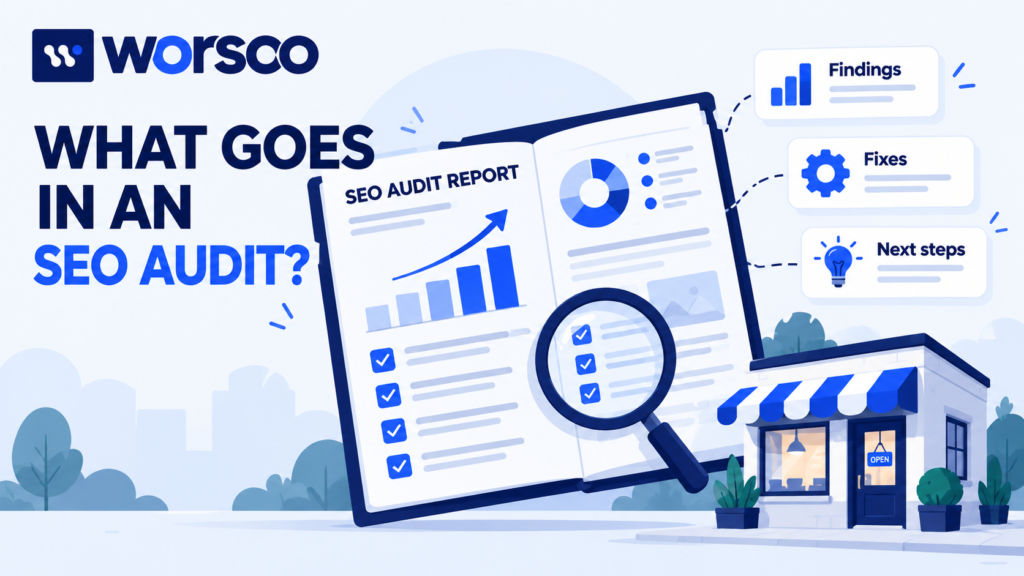
Keep the main report easy to read. Put long lists of URLs and test results in a supporting sheet.
| Report section | What to include | Why it helps |
|---|---|---|
| Business goal | The action you want visitors to take | Keeps the review tied to real needs |
| Scope | Pages, tools, dates, and checks covered | Makes the limits clear |
| Starting results | Search visits, key pages, and tracked leads | Gives you a fair starting point |
| Main findings | Problems with proof and affected URLs | Shows why a change is needed |
| Action plan | Priority, owner, and next step | Turns findings into work |
| Follow-up checks | How and when to test each fix | Helps confirm that work is complete |
You can use our SEO audit template to organize the details. The example below shows what the entries can look like when filled in.
SEO audit report example: a small cleaning business
This is a fictional example for learning. The business, website figures, and findings below are invented. They are not Worsoo client results.
The business offers home and office cleaning. Its website has 40 public pages. The owner wants more useful quote requests from local customers.
1. Set the scope
The sample review covers:
- All 40 public pages in a website crawl. A crawl is a tool’s scan of the site.
- Detailed checks of eight important pages, including the homepage, service pages, and quote page.
- The most recent complete 28 days of search data.
- Mobile use and a test of the quote form.
It does not include paid ads, a full security review, or a full access review for people with disabilities. Those need their own checks.
This matters because checking eight pages by hand is not the same as checking every part of the site.
2. Record the starting figures
| Measure | Fictional result | What it tells us |
|---|---|---|
| Search impressions | 10,000 | The site appeared in search results |
| Search clicks | 90 | Searchers clicked through to the site |
| Click-through rate | 0.9% | Clicks divided by impressions |
| Valid quote requests attributed to organic search | 3 | A small number of tracked business enquiries |
| Pages reviewed in detail | 8 | The size of the manual review |
The click-through rate, or CTR, is 90 ÷ 10,000 × 100 = 0.9%.
These figures alone do not explain the cause of low traffic. Some searches may rank low. Others may bring the wrong audience. Tracking can also miss visits or leads.
Google’s Search Console Performance report helps you review search clicks, impressions, queries, and positions. Check important pages and searches on their own. One sitewide average can hide large differences.
3. Write a short summary for the owner
Here is a sample summary:
The first tasks are to repair the mobile quote form and remove an unintended search-blocking setting from the office cleaning page. Next, improve the home cleaning page so visitors can see the service area and what is included. Review the large quote-page image after those tasks. Search growth cannot be predicted from these findings alone.
That summary gives the owner a clear order. It also separates proven faults from hoped-for results.
4. List the findings and actions
All findings in this table are part of the fictional example.
| Finding | Evidence to attach | Priority | Next action | Owner |
|---|---|---|---|---|
| Mobile quote form fails | Test recording and failed submission details | Urgent | Fix the form and confirm delivery | Developer |
| Office cleaning page has an unintended noindex tag | Page HTML and URL Inspection result | High | Remove the unwanted setting and retest | Developer or SEO lead |
| Home cleaning page leaves key questions unanswered | Page review showing missing service area and inclusions | High | Add accurate answers approved by the business | Writer and owner |
| Homepage quote button opens a missing page | Broken destination and browser check | High | Point the button to the correct quote page | Website editor |
| Quote page has a large banner image | Image size and repeated loading tests | Medium | Resize or compress it, then test again | Developer or designer |
Notice that each row points to evidence. A tool warning is a reason to investigate. It is not always proof that a change will help.
How to write one finding properly
A finding should contain enough detail for someone else to repeat the check.
Here is the sample office cleaning issue written as a full task.
Finding: an important service page has an unintended noindex tag
Page: /office-cleaning/
What we found: The page contains a noindex instruction. This tells supported search engines not to include the page in their search results.
Evidence in this fictional case: The live HTML contains the tag. URL Inspection reports the noindex condition. The business owner confirms that this service page should appear in search.
Why it matters: People searching for office cleaning may need this page. It explains a service the business wants to sell.
What to do: Find where the instruction comes from. It may be a page setting, theme, plugin, or server rule. Remove it from this page only if public indexing is intended.
Who should do it: The person who manages the site’s settings, with developer help if needed.
How to check the fix: Inspect the live page again. Confirm that neither the page HTML nor its HTTP headers sends a noindex instruction. Then check that Google can access the page and monitor its indexing status.
Google’s noindex guidance explains that Google must be able to crawl a page to read the instruction. Blocking a URL in robots.txt is not the same as using noindex.
Removing an unwanted tag fixes a barrier. It does not guarantee that Google will index the page or rank it highly.
This level of detail is much more useful than a row that only says “Indexing issue.”
How should you choose which fixes come first?
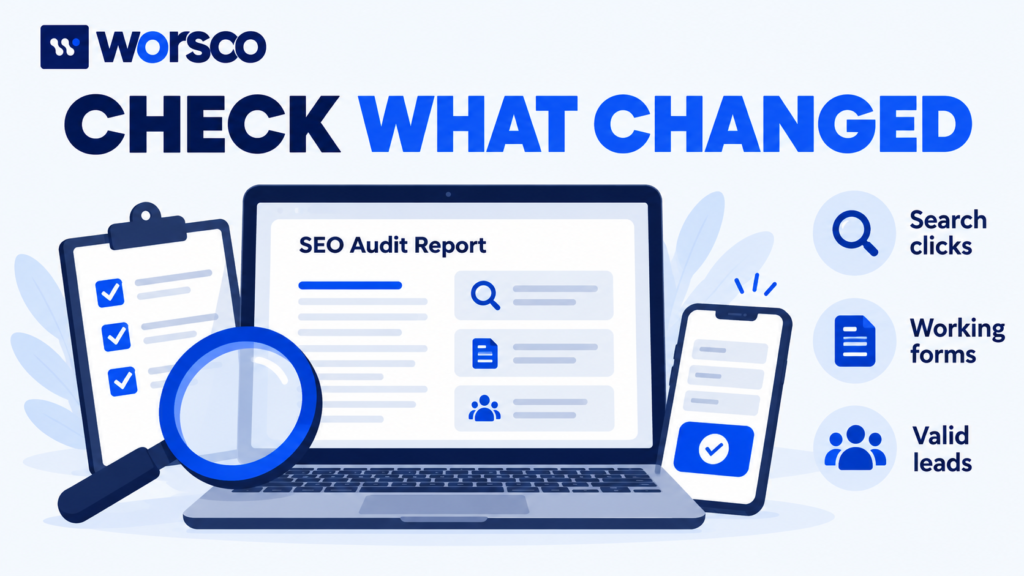
Start with the effect on people and the business. Then consider the strength of the evidence, the work involved, and any tasks that must happen first.
Use these questions:
- Does this issue stop someone from contacting us or buying?
- Does it block an important page from search?
- Is the problem confirmed, or is it only a possible cause?
- How many important pages are affected?
- Can one change fix several pages?
- Could the fix break something else?
In our example, the failed form comes first because it stops quote requests. That is a business and user-experience issue. It should not be described as a proven cause of low search rankings.
The noindex setting comes next because it blocks a page that should be public. Small wording changes can wait until these barriers are addressed.
For a wider list of checks, use our technical SEO checklist. Keep the final report focused on the findings that matter to the site you reviewed.
What do trusted statistics tell us about website fixes?
Published studies can explain why a test is worth doing. They cannot tell you exactly what your own site will gain.
In a Vodafone case study published on Google’s web.dev in March 2021, an A/B test compared two versions of a landing page. The study reported:
| Measure | Reported change |
|---|---|
| Largest Contentful Paint, or LCP | 31% improvement |
| Sales | 8% increase |
| Lead-to-visit rate | 15% improvement |
LCP measures when the largest visible piece of page content appears. It helps describe how quickly the main content loads.
These are results from Vodafone’s test, not average results for all websites. They do not show that every speed fix raises sales or search rankings.
The useful lesson for an audit report is to connect a technical test to a real goal. Measure the page problem, make a careful change, and track what happens next.
Should the report include AI search checks?
Yes, when they fit the business. Keep these checks clear and practical.
AI search tools need useful information to refer to. Review whether important pages clearly explain the business, its services, its location where relevant, and the evidence behind its claims.
Include checks such as:
- Can visitors read the main answers as text?
- Are facts consistent across the website?
- Are authors, dates, and sources clear where needed?
- Can visitors follow links to more detail?
Google’s AI search guidance says special AI markup is not required. Google Search also does not use llms.txt to improve a site’s visibility or rankings.
Record useful gaps, such as an unclear service description. Avoid claims like “Add this file and AI tools will recommend your business.” No report can promise that result.
How do you check whether the work helped?
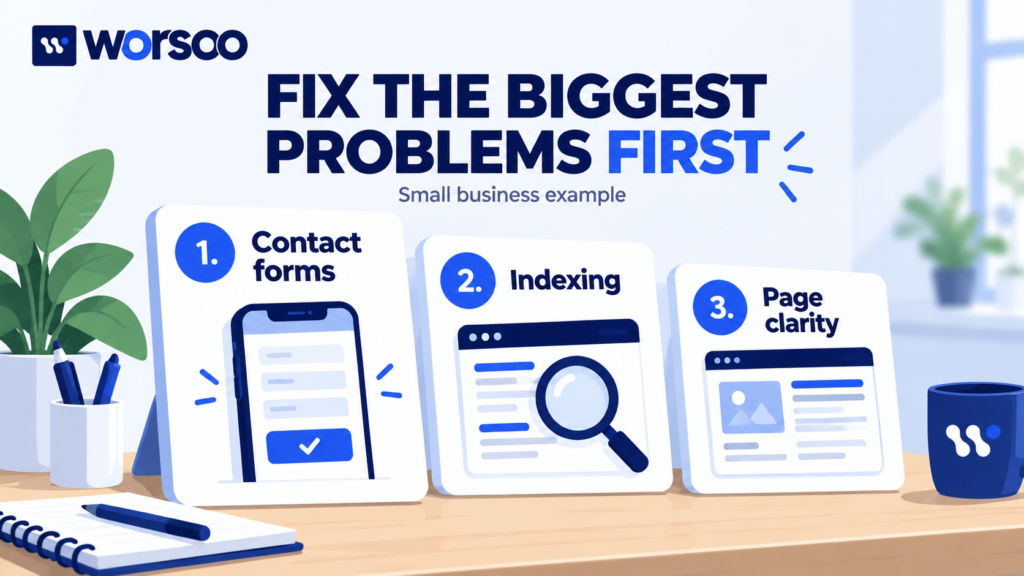
Separate two questions: Was the fix completed? and Did business results improve?
A working form proves that a form fault was fixed. It does not prove that search traffic will rise.
| Task | Check soon after the change | Watch over time |
|---|---|---|
| Repair the quote form | Submit test data and confirm delivery | Valid enquiries and failed submissions |
| Remove unintended noindex | Check live HTML, headers, and access | Indexing status and relevant search visits |
| Improve service details | Confirm the facts and mobile layout | Relevant queries and quote requests |
| Fix a broken button | Test the correct destination | Visits to the quote page |
| Reduce a large image | Repeat the same loading test | Real-user speed and form completion |
Keep a change log with the page, task, owner, and date. Compare similar time periods and allow for holidays, demand changes, and other website work.
If several changes happen together, be careful about giving one change all the credit.
Common SEO audit report mistakes
Copying every tool warning. Check the warnings first. Combine repeated problems caused by the same setting.
Calling every issue urgent. Explain which pages and business tasks are affected.
Treating a tool score as the main goal. A higher score does not prove that visitors can find the right service or send an enquiry.
Giving a fix without an owner. Someone needs to know the task is theirs.
Leaving out the follow-up test. “Done” should mean the change was checked, not just uploaded.
Promising a fixed traffic increase. A report can identify issues and explain opportunities. It cannot control search results.
Frequently asked questions
How long should an SEO audit report be?
It should be long enough to explain the findings and actions. A small site may need a short main report with a supporting sheet. A larger site may need more detail. Page count is not a measure of quality.
Is an SEO audit report the same as a monthly SEO report?
No. An audit report studies problems and opportunities at a point in time. A monthly report tracks changes, completed work, and results over a set period.
Can a free tool create the whole report?
A free tool can help collect findings. Someone still needs to check those findings, explain the business effect, and choose useful actions.
Can an SEO audit guarantee more clicks?
No. It can find barriers and guide improvements. Clicks also depend on demand, competing pages, search intent, and how your pages perform in results.
Need help turning SEO findings into clear actions?
You should be able to read your report and know what to do next.
If you have a website full of warnings but no clear plan, contact Worsoo about an SEO review. Share your website, your main services, and the action you want visitors to take. Ask which findings deserve attention first and how the work will be checked.