

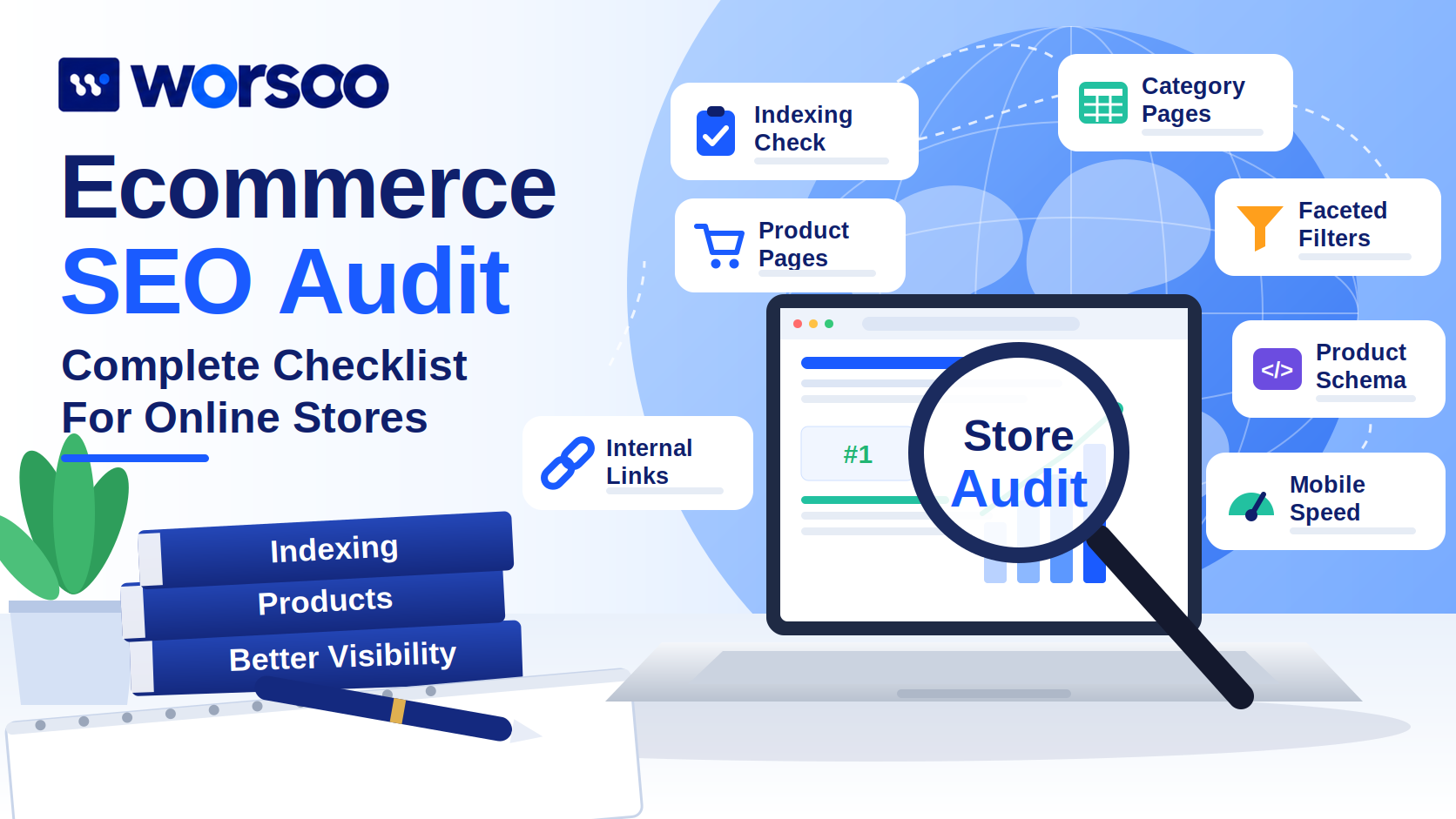
Your online store might have excellent products, competitive prices, and an attractive design. Yet customers searching on Google may never discover it.
The problem isn’t always your products. Sometimes Google struggles to crawl your store’s category pages, product variations create duplicate URLs, or important products aren’t connected through internal links.
An ecommerce SEO audit helps you identify these problems before spending more money on content, advertising, or website redesigns.
Unlike a general website audit, an ecommerce audit focuses on how search engines discover, understand, and display products and shopping categories.
This guide walks you through the process, including a practical checklist, common technical problems, and ways to prioritize improvements.
What Is an Ecommerce SEO Audit?
An ecommerce SEO audit is a structured review of an online store’s technical health, product pages, category structure, content, and organic search visibility.
Its purpose is to identify issues that may prevent search engines from discovering products or prevent shoppers from finding useful information.
An effective audit answers four questions:
- Can Google discover and index important product and category pages?
- Do those pages match what potential customers are searching for?
- Are product details, prices, and availability communicated accurately?
- Can visitors navigate the store and complete purchases comfortably?
For example, imagine your store sells running shoes.
A category page targeting “men’s running shoes” might be accessible to visitors but accidentally excluded from Google’s index.
Publishing more blog posts won’t solve that problem. You first need to investigate why the category page isn’t eligible to appear in search results.
For a broader introduction, read Worsoo’s complete SEO audit guide.
Ecommerce SEO Audit Checklist: What Should You Review?

Before examining individual pages, organize the main areas of your audit.
| Audit area | What to examine | Priority |
|---|---|---|
| Crawling and indexing | Important product and category URLs | Critical |
| Category architecture | Navigation, hierarchy, and internal links | High |
| Product pages | Titles, descriptions, variants, and availability | High |
| Faceted navigation | Filter URLs and unnecessary crawl activity | High |
| Structured data | Product details, offers, and eligibility | High |
| Mobile performance | Loading, responsiveness, and checkout usability | High |
| Content quality | Search intent, duplication, and helpful information | Medium |
| Backlinks | Relevant referring domains and broken destinations | Medium |
These priorities are starting points, not universal rankings of issue severity.
A store experiencing a serious checkout failure, for example, may need to address that immediately even if the issue isn’t directly caused by SEO.
Step 1: Review Google Search Console Performance
Start your ecommerce SEO audit with actual search data.
Open Google Search Console and review your store’s performance over the previous three months.
Identify:
- Product pages receiving clicks and impressions
- Categories attracting relevant search traffic
- Pages with declining visibility
- Queries containing product names or shopping terms
- Important URLs excluded from indexing
- Differences between mobile and desktop performance
Pay particular attention to category pages with impressions but few clicks.
However, low CTR doesn’t automatically mean a page needs a better title. Check its ranking positions and search queries first.
A store category appearing mainly in positions 40–60 has a different problem from one appearing consistently in positions 3–5.
Record your observations before changing anything.
Step 2: Audit Product and Category Indexing
Search engines need clear pathways to your most important shopping pages.
Use Search Console’s Page Indexing report and URL Inspection tool to investigate priority URLs.
Check for unintended noindex directives, incorrect canonical tags, server errors, and pages omitted from the internal navigation.
Watch out for unnecessary product URLs
Ecommerce platforms can generate several URLs for a single product.
For example:
/products/blue-running-shoes//products/blue-running-shoes/?ref=homepage/collections/shoes/products/blue-running-shoes/
Depending on your platform’s configuration, these URLs might display substantially similar content.
You should determine which URL represents the primary product page and whether the others are handled consistently.
Google’s ecommerce URL structure guidance explains how URL design can affect crawling, indexing, and duplicate-content handling.
Practical recommendation: Avoid changing canonical tags or robots.txt rules across thousands of pages without testing their impact on a small representative sample.
Step 3: Examine Ecommerce Category Pages
Category pages are often important commercial landing pages.
Someone searching for “waterproof hiking boots” may prefer a collection of suitable products rather than a single product description.
Your audit should examine whether each important category has:
- A clear, descriptive title
- A useful main heading
- Products relevant to the search
- Accessible product links
- Helpful filtering and sorting
- Appropriate internal links
- Relevant introductory or supporting information
Don’t fill category pages with hundreds of words solely to increase keyword frequency.
A short, useful explanation combined with relevant products, clear navigation, and accurate information may serve shoppers better.
Example: Improving a weak category page
Suppose an online store has a category called “Shoes.”
The title doesn’t explain whether the products are for running, hiking, work, or casual use.
Creating meaningful categories such as “Men’s Trail Running Shoes” can help users navigate the catalog and give search engines clearer context.
But don’t create dozens of nearly identical categories targeting tiny keyword variations. Each indexable category should offer a genuine reason to exist.
Step 4: Investigate Faceted Navigation and Filters
Faceted navigation allows customers to filter products by characteristics such as size, color, brand, price, and availability.
It’s convenient for shoppers, but it can become a technical SEO problem.
Imagine a product category with combinations of ten colors, eight sizes, six brands, and several sorting options.
Different combinations can generate a large number of URLs even when they offer little unique search value.
Google warns that uncontrolled faceted navigation can create excessive crawling and slow the discovery of important content.
Source: Google’s faceted navigation documentation.
What should you check?
First, identify which filtered pages actually deserve search visibility.
A curated “Women’s Black Running Shoes” page might serve a distinct search intent. A temporary URL created by sorting products from lowest to highest price may not.
Then review how your platform handles filter parameters, internal links, canonicals, and crawler access.
There is no single correct configuration for every store. The decision depends on which filtered pages are valuable and whether they need to be independently indexed.
Step 5: Audit Product Pages and Variations
A product page must do more than repeat the manufacturer’s description.
Customers need information that helps them choose the correct item.
Review product titles, unique descriptions, images, specifications, pricing, stock availability, and shipping or return details where applicable.
Product page SEO checklist
| Element | What to verify |
|---|---|
| Product title | Clearly identifies the actual item |
| Description | Explains meaningful features and benefits |
| Images | Accurate, useful, and properly optimized |
| Variations | Correct handling of size, color, and other options |
| Stock information | Matches actual availability |
| Canonical URL | Consistent with the store’s URL strategy |
| Internal links | Product is discoverable from relevant categories |
For variants, check whether selecting a size or color updates the correct product details.
Google’s product variant guidance provides implementation advice for stores offering multiple versions of an item.
Avoid automatically merging every variant into one indexable URL or creating separate pages for every possible combination. Choose a strategy appropriate to your products and technical setup.
Step 6: Check Product Structured Data and Google Merchant Center
Structured data helps search engines interpret product information.
Relevant ecommerce markup can include Product, ProductGroup, Offer, BreadcrumbList, and appropriate organization information.
Depending on eligibility, this information may help Google understand prices, availability, variants, and product relationships.
Google recommends providing product structured data and, where relevant, product information through Google Merchant Center.
Use the Rich Results Test to examine structured-data eligibility and identify problems.
Pay particular attention to incorrect prices, stale availability, missing required properties, and markup that doesn’t accurately represent visible page content.
Structured data does not guarantee rich results or higher rankings.
For implementation details, use Google’s official ecommerce structured data guide.
Step 7: Measure Mobile Performance
Mobile shopping needs to feel straightforward.
A category page that loads slowly, a product image that shifts during loading, or an unresponsive add-to-cart button can frustrate customers.
Google measures three Core Web Vitals.
| Metric | Good threshold | Measures |
|---|---|---|
| LCP | 2.5 seconds or less | Loading performance |
| INP | 200 milliseconds or less | Interaction responsiveness |
| CLS | 0.1 or less | Layout stability |
These thresholds are evaluated at the 75th percentile of visits.
Source: Google’s Core Web Vitals documentation.
Run representative product and category pages through PageSpeed Insights.
Don’t rely exclusively on the homepage. Product galleries, filters, reviews, third-party scripts, and dynamic shopping features can behave differently across page types.
Also test the mobile checkout manually. Although checkout usability is broader than SEO, it directly affects whether organic visitors become customers.
Step 8: Review Internal Linking and Product Discoverability
Your navigation should help people find products without excessive effort.
Start at the homepage and follow the natural paths to important categories and products.
Ask whether your most valuable pages are easy to reach.
Check for broken links, important products with few internal links, and product pages that disappear from navigation when inventory changes.
Relevant links from buying guides and informational articles can also introduce visitors to appropriate categories.
For example, a guide explaining how to choose running shoes can link naturally to a running-shoe collection.
Avoid adding large blocks of unrelated product links merely for SEO.
If you need help selecting auditing tools, read Worsoo’s SEO tools guide.
Step 9: Review E-E-A-T, AEO, GEO, and AI Search Readiness
For ecommerce stores, credibility affects purchasing confidence.
Check whether your website clearly explains the business, provides accurate product information, and displays genuine customer support and return policies.
Avoid fabricated reviews, invented product testing, or unsupported performance claims.
Answer Engine Optimization (AEO) also encourages clear responses to shopping questions.
For example, a product page might explain whether a jacket is waterproof, how sizing works, and which activities it’s suitable for.
Generative Engine Optimization (GEO) and LLM-oriented discovery place additional emphasis on accessible, understandable, and accurately sourced information.
Google confirms that existing SEO practices remain relevant for AI Overviews and AI Mode, with no special AI-only schema requirement.
See Google’s official AI search guidance.
Focus on clear, original product information instead of unproven promises of guaranteed AI citations.
Step 10: Prioritize Findings and Create an Action Plan
After completing your ecommerce website audit, organize problems by severity and business impact.
Here’s an illustrative example.
| Finding | Priority | Recommended action |
|---|---|---|
| Major product category accidentally noindexed | Critical | Correct indexing signals and verify |
| Thousands of low-value filter URLs | High | Review crawl and indexation strategy |
| Important products poorly linked | High | Improve category and related-product links |
| Product structured data contains outdated prices | High | Correct markup and validate |
| Category description needs clarification | Medium | Improve helpful content |
Start with issues affecting important product and category visibility, then move toward content improvements and lower-impact refinements.
Assign each task an owner, record supporting evidence, and track its completion.
After implementation, use Search Console and analytics data to monitor indexing, organic traffic, and business outcomes.
An SEO audit identifies opportunities; it doesn’t guarantee rankings or sales.
Need a Professional Ecommerce SEO Audit? Contact Worsoo
Running an online store involves more than uploading products and choosing keywords.
Technical issues, weak category architecture, and incorrect product information can make organic growth harder than necessary.
At Worsoo, we provide SEO and digital marketing services to help businesses review website optimization opportunities and plan improvements.
If you’re concerned about product visibility, indexing, website structure, or organic performance, explore our On-Page and Off-Page SEO Services.
Ready to discuss your online store? Contact Worsoo to request a consultation or tailored quote.
Frequently Asked Questions
What is an ecommerce SEO audit?
An ecommerce SEO audit evaluates an online store’s technical health, product pages, category structure, search visibility, structured data, and other factors affecting organic discovery.
How often should an ecommerce website be audited?
It depends on catalog size and how frequently the store changes. Regular monitoring is useful, with more detailed reviews after major platform changes, migrations, or unexpected traffic declines.
Is ecommerce SEO different from regular SEO?
The fundamentals are similar, but ecommerce SEO places additional emphasis on product variants, category navigation, filters, structured product information, and large-scale URL management.
Can Shopify or WooCommerce stores have SEO problems?
Yes. Both platforms can experience issues involving indexing, duplicate URLs, product data, redirects, and performance. The exact risks depend on configuration, themes, plugins, and customizations.
Does an ecommerce SEO audit improve sales?
An audit can uncover problems affecting visibility and shopping experiences. However, improvements depend on the changes implemented, product demand, competition, and conversion performance.
Final Thoughts
A successful ecommerce SEO audit isn’t about collecting the largest number of warnings.
It’s about identifying the problems that prevent shoppers and search engines from reaching your most valuable products.
Start with indexing and category structure. Review product variations, structured data, mobile performance, and internal links. Then prioritize fixes according to their potential impact.
If you want support turning those findings into a practical strategy, Worsoo can help you explore your next steps.