


On Monday, a developer fixes a menu link that sent customers to a missing page. On Tuesday, the site owner opens the audit report and sees the same warning. Is the menu still broken, or is the owner looking at last week’s crawl?
A dated test on the live site can settle that question in minutes. Without one, the developer may spend the morning fixing a problem twice.
SEO audit implementation tracking means keeping a record of each fix from the first report to the final test. Give each fix an owner, write down what a passing test looks like, and save proof from the live site. If you also want to know whether Google has seen the change or whether clicks improved, give those questions their own dates and results.
Copy this SEO implementation tracker
Use one row for each change someone can make and test. If one menu template produces the same broken link on 40 pages, one ticket can cover the template. List the affected pages so the tester knows the scope. If some links were added by hand, give those a separate row and an owner who can edit them.
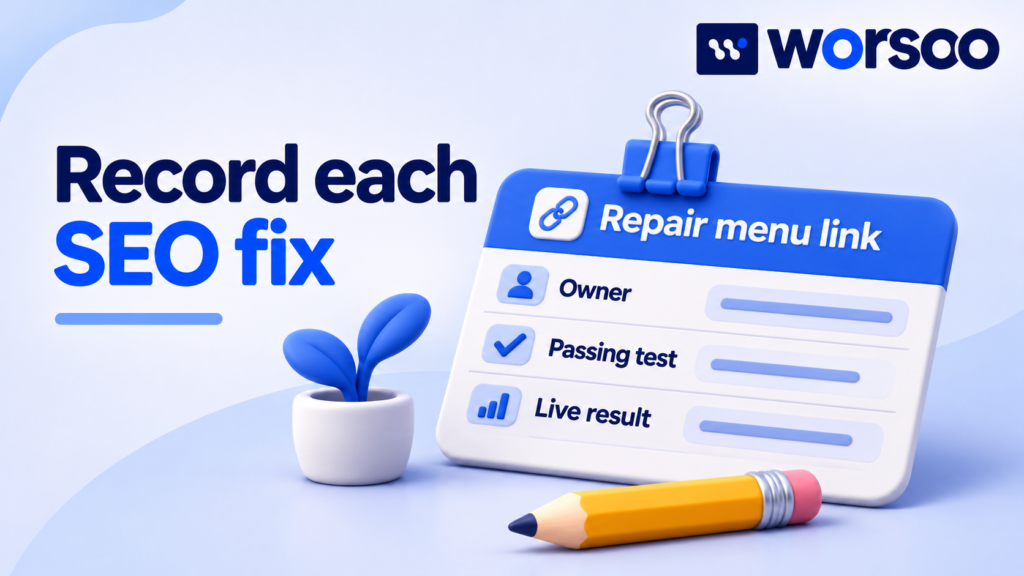
Copy the header and example row into a sheet. The repair business and dates below are fictional.
| Ticket and scope | Evidence before the fix | Owner | Passing test | Released | Live result and proof | Status | Next check |
|---|---|---|---|---|---|---|---|
| 013 · Repair link in the mobile menu on 6 service pages | Mobile menu opens /old-repairs/, which returns 404 | Web developer | On all 6 pages, tap Repairs and reach /repairs/ with a 200 response | 8 Nov, 10 am | 5 of 6 passed. The emergency service page still uses the old link. Mobile recording saved. | Reopened | Check the emergency page’s separate menu, then retest all 6 |
A 404 means the requested page could not be found. A 200 means the server successfully returned the page. Check what actually loaded, too. A working link to the home page would still take the customer to the wrong place.
Already have a Worsoo audit sheet? Keep the finding in that sheet and add the ticket link beside it. The audit explains how you found the issue. The ticket gives the person doing the work a place to record the change and test it. Worsoo’s SEO audit template
Write the passing test before handing over the ticket
“Fix the repair links” leaves room for two people to call different results a success. “Open the mobile menu on each of the six service pages, tap Repairs, and confirm that the repair page loads” gives both people the same test.
Record the exact URL where the visitor starts, the action they take, and the result you saw. If the issue depends on a device or login, mention that too. A desktop screenshot tells the developer very little about a menu that only appears on a phone.
Add one nearby feature to check when the change goes live. For the repair menu, that might be the phone link beside it. For an indexing fix, it might be a page that should stay out of search. This extra check is especially valuable when several pages share a template.
Give each status a clear meaning
| Status | When to use it | What happens next |
|---|---|---|
| Ready | Someone reproduced the issue and wrote a passing test | The owner makes the change |
| Ready for live testing | The change is on the public website | A tester repeats the original steps |
| Reopened | At least one required live check failed | Save the failing example and return it to the owner |
| Verified live | The agreed checks passed on the public site | Record the date, scope, and evidence |
| Monitoring | A later crawl, search result, or business measure is still due | Name the person who will check it and set a review date |
A small team can use two status columns if the developer and SEO lead finish at different times. The developer can mark the work verified live while the SEO lead records waiting for Google to crawl again in the second column.
Follow one fix through a failed test
In the fictional repair example, the developer changed the shared menu. Five pages picked up the fix. The sixth page looked identical but used its own older menu. Testing only the home page would have missed it.
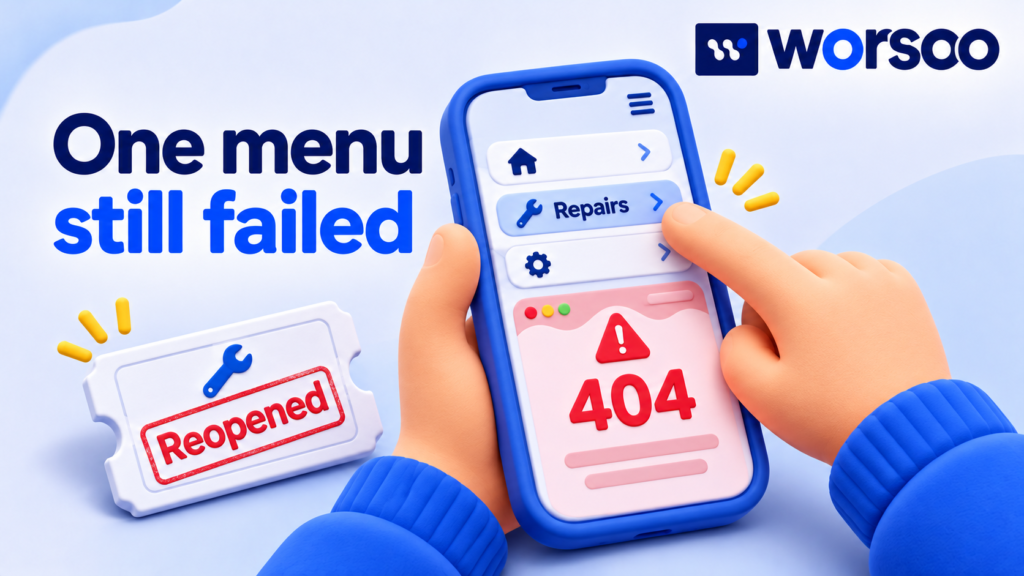
The tester adds one sentence to the existing ticket. “On a phone, open the emergency service page and tap Repairs. It still opens /old-repairs/. The other five pages open /repairs/.” That tells the developer exactly where to look.
The developer updates the separate menu. The tester then opens all six pages on the live site, taps the link on each, and checks the phone button. The closing note reads, “9 Nov, 11 am. Repairs opened the intended page on all six mobile menus. The phone button opened the dialer. Test recording attached.”
There is one more decision. Should the old URL itself redirect? Someone with an old bookmark may still use it. If the old page moved and has a clear replacement, open a separate redirect ticket. Updating a menu and helping visitors who already have an old address require different tests.
Match the evidence to the type of SEO fix
| Fix | Live check | Evidence worth keeping |
|---|---|---|
| Broken internal link | Start on the affected page and click the actual link on the affected device | Starting URL, link wording, destination, and response |
| Unwanted noindex rule | Check the live page’s robots meta tag and response headers for instructions that block indexing | URL, time, relevant HTML and headers, plus the result for a page intentionally excluded |
| Wrong canonical URL | Check which preferred URL the live page declares. Later, inspect which URL Google selected | Record the declared and Google-selected URLs with the date of each check |
| Broken inquiry form | Send a test message and have the recipient confirm it reached the intended inbox | Device, time, confirmation screen, and receipt in the inbox |
| Incorrect structured data | Compare the published markup with the visible details and run the relevant validation test | Tested URL, field corrected, and test result after release |
For a large change, record how many pages you checked and how you chose them. Include each affected layout and any known exception. “Checked eight URLs across three templates” tells the next person what the evidence covers. If an exception fails, expand testing within that group. For other technical checks to add to the sheet, use Worsoo’s technical SEO checklist.
Check when Google has seen the fix
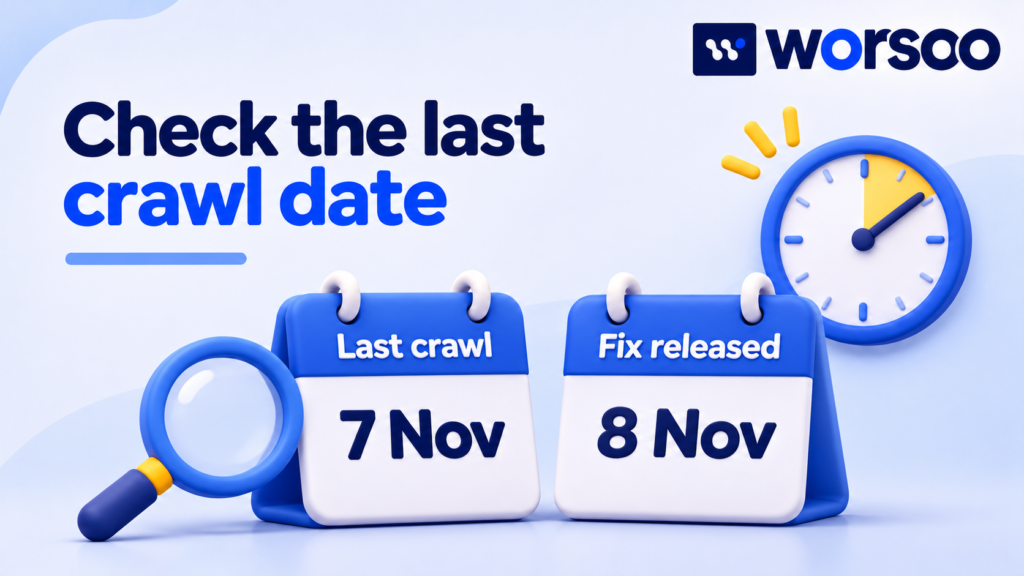
A live page and Google’s last stored view can show different results. In Search Console, inspect the exact URL and look at its last crawl date. Compare it with your release time. If the crawl happened before the release, it describes the earlier page. Use Test live URL to check what Google can access now. For Google’s choice of canonical URL, consult the indexed result. Google’s URL Inspection guide
For an issue that offers Validate fix in the Page indexing report, correct the affected instances first. Then start validation and record the start date. Google says validation commonly takes up to about two weeks, with some cases taking longer. If it fails, open the example URLs Google provides and test those addresses again. Google’s Page indexing report guide
For a small number of changed URLs, you can request a recrawl through URL Inspection. Google gives a range of a few days to a few weeks for crawling. Put the request date in your tracker and set a reminder to check the result. Submitting the same URL repeatedly adds work without speeding up the crawl. Google’s guide to requesting a recrawl
What if the fix passes but clicks stay flat?
Choose a measure that fits the original problem. For the mobile menu fix, the first result is that people can reach the repairs page. If you want to measure business impact, look at visits through that menu and completed repair inquiries, provided your site records those actions. A rise in Google clicks answers a different question.
For a search result change, record clicks and impressions for the affected page over comparable periods. Keep the country and device filters consistent. Suppose a page gets 10 clicks from 500 impressions before a change and 12 clicks from 800 impressions afterward. Clicks rose by two, while the click-through rate fell from 2% to 1.5%. Both statements are true. Check which searches brought the extra impressions before drawing a conclusion about the fix.
Label the example above as a calculation if you use it in a client report. For your own results, record the dates, data source, and other changes made during the period. If traffic is very low, keep collecting data and give the client the verified technical result in the meantime.
How to track answers and mentions in AI search
If the fix helps readers find an answer, test the same question on the page. For example, if a repair company added its evening callout fee, check whether a visitor can find the amount and the hours it applies to on a phone. Save the relevant paragraph or screenshot.
If you also monitor Google AI Overviews or AI Mode, keep a dated observation of the search and any cited URL. Google says a page must be indexed and eligible to appear with a snippet to qualify as a supporting link. For another AI tool, record the tool name, exact prompt, date, and page cited. Those details let a colleague repeat the check and report what they actually saw. Google’s guidance on AI features
What should go in the client update?
Give the client the result, the evidence, and the next action in a few sentences. For the repair example, you could write:
We fixed the Repairs link on all six mobile service pages. On 9 November, we tested each menu on the live site and confirmed it opened the right page. We also found that visitors with the old address can still reach a missing page. We’ve logged that separately for a redirect review.
When should you close an SEO ticket? Close it when the live checks agreed at the start have passed and someone has saved the proof. Assign any later search or business review to a named person with a date.
When should you reopen it? Reopen it when a required check fails or the original issue returns within the agreed scope. Add the affected URL, the date, and steps someone else can repeat.
Need help verifying work from an SEO audit? Send Worsoo the finding, an affected URL, and the date your team released the change. We can help you write the passing test and check what visitors and search engines can see. Contact Worsoo