


By Worsoo Digital Agency · Last updated November 24, 2026
Organization schema implementation gives search engines a clear record of your business name, website, logo, and official profiles. Give the business one stable ID, then use that ID when a page names the business as its publisher.
A good place to start is your own logo. Change it in the WordPress header, and an SEO plugin may still point to the old file. Both images can load. Both addresses can pass a code check. Here’s how to find which one your site publishes and fix the record at its source.
Key takeaways
- Use
namefor your public business name andurlfor your official homepage.- Give the business a stable
@idand reuse it when an article refers to its publisher.- Point
logoto the current image file andsameAsto profiles that identify the same business.- Check the live homepage and one published article after making a change.
What goes into an organization schema implementation?
Start with facts a customer can check. Which name appears on your site? What is your homepage address? Which logo do you use? Which public profiles belong to the business? Put those facts in one Organization record, then give that record an ID that other pages can use.
| Field | What it means | What to enter |
|---|---|---|
@type |
The kind of entity you’re describing | Organization, or a more specific type that accurately describes the business |
@id |
A stable identifier for that entity | The business ID your site already uses, or a new one such as the homepage address followed by #organization |
name |
The name customers recognize | The business name as it appears on your site |
url |
The organization’s website | The full address of its official homepage |
logo |
The image that represents the business | A direct image address or an ImageObject that identifies the logo file |
sameAs |
Other pages that identify the same organization | Official company profiles or other trusted identity pages you have checked |
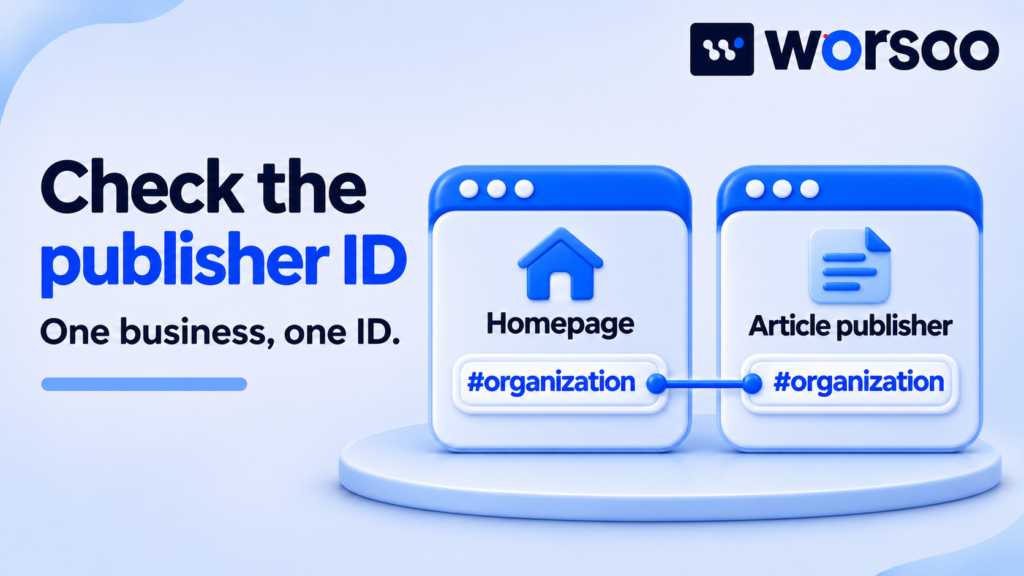
The easiest fields to mix up are url and @id. Think of the first as the answer to “Where can I visit this business online?” The second answers “Which business does this article mean when it names its publisher?” A fragment such as #organization gives the business a distinct ID. If your plugin already uses a different stable ID, keep it.
Google recommends placing the organization details on the homepage or a page that describes the business. Its <a href=”https://developers.google.com/search/docs/appearance/structured-data/organization” target=”_blank” rel=”noopener noreferrer”><strong>Organization structured data guide</strong></a> explains which details it can use. If you’re new to the format, Worsoo’s schema markup guide explains how these labels work across a site.
What does an Organization JSON-LD example look like?
A useful Organization JSON-LD example lets you check every field against a public source. The example below describes the World Wide Web Consortium, also known as W3C. It connects a full name, a short name, a homepage, a logo file, and an official GitHub profile in one record.
This is a teaching example. The #organization ID illustrates one naming choice. The code does not claim to reproduce W3C’s own implementation.
{
  "@context": "https://schema.org",
  "@type": "Organization",
  "@id": "https://www.w3.org/#organization",
  "name": "World Wide Web Consortium",
  "alternateName": "W3C",
  "url": "https://www.w3.org/",
  "logo": "https://www.w3.org/assets/logos/w3c-2025/png/w3c.png",
  "sameAs": [
    "https://github.com/w3c"
  ]
}
Why use two name fields? People know the organization as both “World Wide Web Consortium” and “W3C.” The alternateName field gives the short name a clear home. You can look up both fields in the <a href=”https://schema.org/Organization” target=”_blank” rel=”noopener noreferrer”><strong>Schema.org Organization reference</strong></a>.
Why use that logo file? W3C publishes its own organization logo as well as separate marks for members and chapters. Those marks describe different relationships. When you choose a file for your business, open it and check the artwork. A filename containing your brand name is only a clue.
Why include GitHub? The <a href=”https://github.com/w3c” target=”_blank” rel=”noopener noreferrer”><strong>verified W3C GitHub profile</strong></a> names the consortium, links to its homepage, and shows that GitHub verified its control of the domain. That gives an editor evidence for the connection beyond a familiar name or profile picture.
Which profiles belong in sameAs?
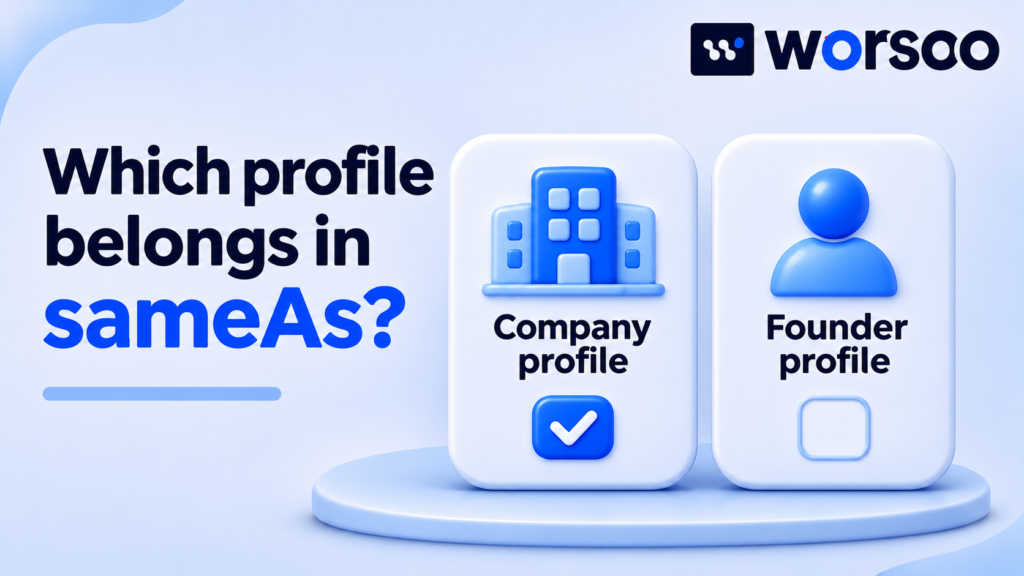
Use sameAs when the destination identifies the same organization described on your site. Open each profile and check the account name, website link, and business details. A page can mention your company, review its work, or quote its founder without serving as an identity page for the company itself.
Imagine a design business called Pine Street Studio. Its company page, its founder’s profile, and a news story about its work all appear in search results. Here’s how to decide which address belongs in the studio’s record.
| Candidate page | Decision | Reason |
|---|---|---|
| The studio’s official company profile | Include after checking ownership | The account represents the studio and points back to its website. |
| The founder’s personal profile | Keep with the founder’s person record | Customers visiting the profile are looking at an individual. |
| A magazine story about a recent project | Leave out of sameAs |
The story covers one piece of work. |
| An unrelated studio with the same name | Exclude | The account belongs to a different company. |
| An old profile that redirects | Check the final address | A redirect is useful only if it still takes visitors to the right business. |
Use the same care when checking your own name. Start with the wording customers see on your homepage and About page. For example, a Worsoo editor can compare a proposed change with the public Worsoo agency profile. If your company uses a public brand name and a different registered name, keep those facts in their proper fields.
How do you add organization schema in WordPress?
Check what WordPress already publishes before adding a script. Your SEO plugin or theme may already create a complete Organization record. In that case, the cleanest fix might be a single change to a logo or profile setting. Start by recording the existing ID and the value you want to change.
- Open your public homepage. View the page source and search for
application/ld+json,Organization, and#organization. Some sites use a different ID, so also search for your business name. If the source shows no record, check the rendered page before drawing a conclusion. - Write down the current values. Save the business ID, homepage address, logo address, and profile links. Open the logo in a private browser window. Make sure the address displays the image itself and works while you’re signed out.
- Find what creates the record. Check the organization or site identity settings in your SEO plugin. If there are two records with different values, inspect the theme and any custom code as well. Identify which source produces each value before editing.
- Make the smallest change that fixes the problem. If the logo is outdated, replace it in the setting that publishes it. If the company profile is correct and the founder’s profile is also listed, remove just the founder’s address from the organization record.
- Check one article’s publisher. Find its
publisherfield and follow its@id. If that ID is meant to identify the business on your homepage, compare the full values, including the slash and fragment. - Clear the relevant cache and reopen both pages. Search for the old logo address as well as the new one. Finding the new value tells you the change appeared. Finding the old value too can reveal a second source that still needs attention.
If you find different records across several page templates, use Worsoo’s technical SEO checklist to group the affected pages and assign the fix to the person who manages that template.
How do you test the live setup?
Test the code and the business facts separately. A tool can tell you whether it can read supported structured data. It takes a person familiar with the business to confirm that the logo is current, the profile belongs to the company, and the publisher points to the intended organization.
Use Google’s <a href=”https://search.google.com/test/rich-results” target=”_blank” rel=”noopener noreferrer”><strong>Rich Results Test</strong></a> to check the public page. Pasting code is helpful while drafting. Testing the URL after publishing lets you inspect what Google’s tool can access on the live site. The test covers Google-supported search features, so it cannot confirm every Schema.org property or who owns a profile.
Before you sign off, check five details:
- The public business name matches the name in the record.
- The logo address opens the current image without a login.
- Each
sameAsaddress reaches the intended organization. - The homepage and a sample article refer to the same business ID.
- Any old value you set out to replace is gone from the affected pages.
Save a short note that the next editor can repeat: “Checked the homepage and one blog post. Both use the same publisher ID. The logo opens while signed out, and the old image address is gone.” That tells the next person exactly what was checked.
Frequently asked questions about organization schema
These questions cover decisions that come up when a business has few public profiles, runs several locations, or changes its name. Start with the business or branch the page describes. Then choose the name, type, identifier, and profiles that belong to that entity.
Can I use organization schema without social media profiles?
Yes. Enter the public business name, homepage, and logo if you have them. You can leave out sameAs until you have an identity page you can verify. Adding a founder’s account or an unrelated directory entry just to fill the field makes the record harder to trust.
Does organization schema need to appear on every page?
Google recommends placing the main organization details on the homepage or a page about the business. An article can refer to that business as its publisher by using the same ID. If your plugin repeats consistent details across pages, check the values before deciding whether anything needs changing.
Should I use Organization or LocalBusiness?
Use the most specific type that accurately fits the entity. LocalBusiness can describe a physical business or an individual branch. A company with several stores may need a record for the parent company and separate records for its branches. Give each distinct entity an ID you can maintain.
What should I update after a rebrand?
Check the public name, logo, homepage, and official profiles. If the same business keeps its domain, it can usually keep its organization ID. Check at least one older article too. Its publisher field may still point to a separate record with the previous name or logo.
Will organization schema make Google display my logo?
Google can use organization details to understand a business and inform how its logo appears in search. Google decides what to display. You can improve the accuracy of the record, provide the correct image, and check that Google can access it. Passing a test confirms only part of that work.
What should you check first?
Begin your organization schema implementation with two pages: your homepage and one recent article. Find the business ID on the homepage and the publisher ID on the article. Then open the logo and one official profile. This small check can reveal a stale image, a personal account, or a second record you didn’t know existed.
If the records conflict, request a technical SEO review from Worsoo