

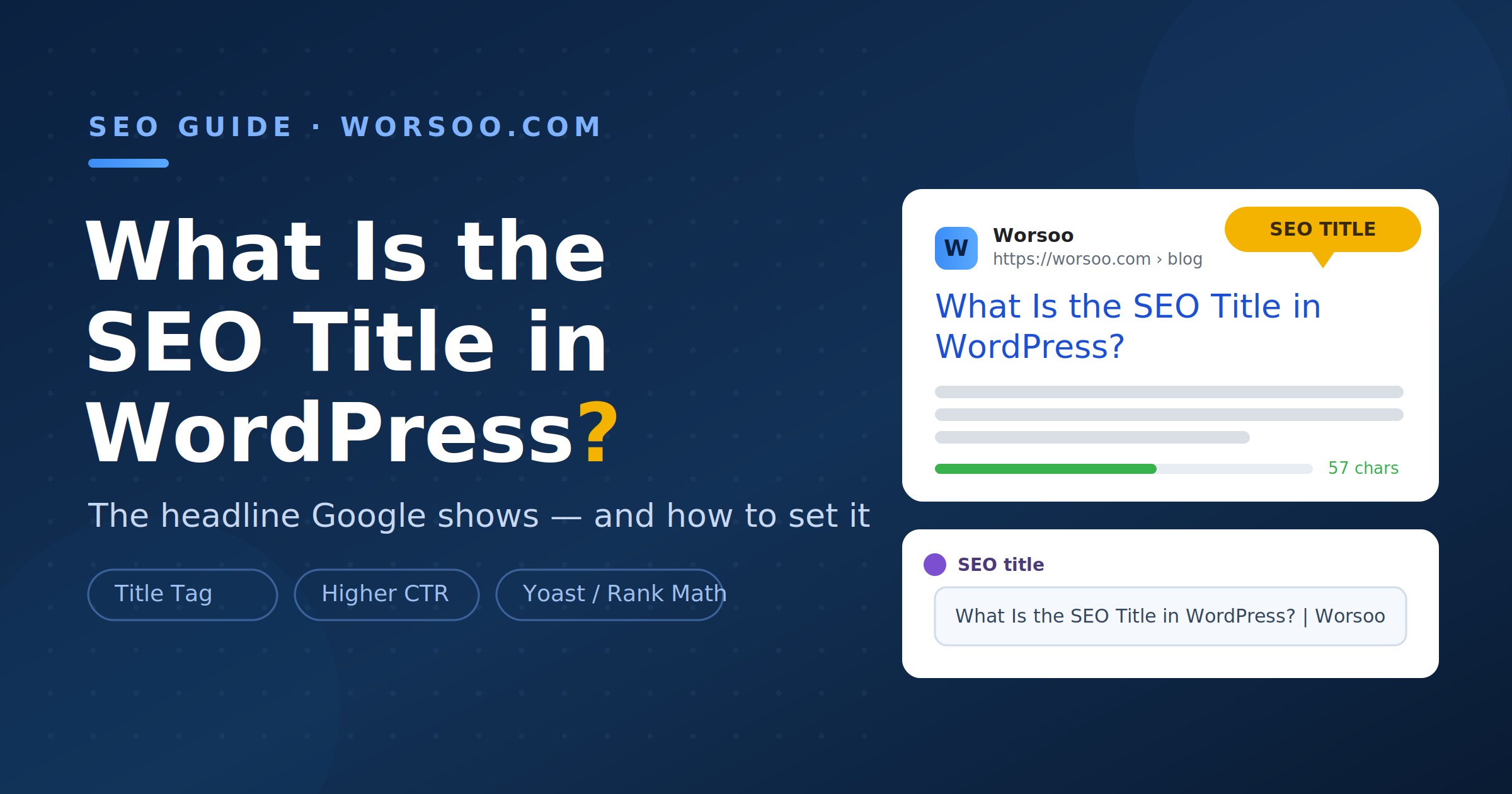
The SEO title in WordPress is the clickable headline that appears in Google’s search results and in the browser tab, technically called the title tag. It is not the same as the post title you type at the top of the editor. WordPress lets the two be different on purpose, and knowing how to control the SEO title separately is one of the easiest ways to win more clicks.
This trips up almost every beginner I’ve trained. They write one headline, assume it’s doing everything, and never realize they’re leaving clicks on the table. Let me clear it up completely and show you exactly where to set it.
What is the SEO title in WordPress?
The SEO title in WordPress is the text search engines use as the blue, clickable link on the results page. It lives in your page’s HTML as the <title> tag, and it’s also what shows on your browser tab. When people ask what is an SEO title in WordPress, or phrase it as what is SEO title WordPress, they’re pointing at this same element: the headline built for search engines and searchers, not the one printed across the top of your published page.
Here’s the crucial part. In WordPress, you actually have up to three separate “titles” working at once, and confusing them is where mistakes happen.
SEO title vs post title vs H1
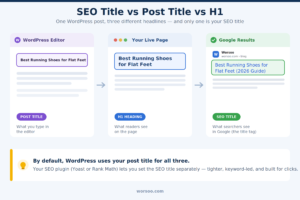
| Element | Where it lives | What it’s for |
|---|---|---|
| Post title | The main title field in the WordPress editor | Your working headline; feeds the H1 and, by default, the SEO title |
| H1 heading | Displayed at the top of the live page | The visible on-page headline readers see when they arrive |
| SEO title (title tag) | In the page’s HTML <title>; set via your SEO plugin |
The clickable headline in Google results and the browser tab |
By default, WordPress uses your post title for all three. That’s fine for many pages, but it’s limiting. Your on-page H1 can be longer and more descriptive for readers, while your SEO title can be tightened, keyword-focused, and length-optimized for the search results. Being able to split them is exactly why setting the SEO title deliberately matters.
Why the SEO title matters more than people think
Two reasons, both backed by data.
First, it’s often the single biggest lever on your click-through rate. Backlinko’s analysis of five million results found that titles in the optimal length range earned roughly 36% more clicks than titles outside it. The words you choose, and how many, directly shape how many people click.
Second, if you don’t control your title, Google will. Zyppy’s study of nearly 81,000 title tags found Google rewrites about 61.6% of them, and a Q1 2025 Search Engine Land analysis put the figure as high as 76%. When Google rewrites your title, it decides how your page looks in search, and that controls your clicks. The good news: well-built titles in the right length get rewritten far less often. Zyppy found the lowest rewrite rates cluster in the 51-to-60-character range, around 39 to 42%, while titles over 70 characters are rewritten almost every time.
In short, a deliberate SEO title earns more clicks and is more likely to survive intact. Leaving it on autopilot does neither.
How to set your SEO title in WordPress, step by step
WordPress doesn’t give you a dedicated SEO title field out of the box, so you’ll use a free SEO plugin. Yoast SEO and Rank Math are the two most popular, and the process is nearly identical in both.
- Install an SEO plugin. From your dashboard, go to Plugins, Add New, search for Yoast SEO or Rank Math, then install and activate it. Either is free for this.
- Open the post or page you want to edit. Click into it as you normally would in the block editor.
- Scroll below the content editor. You’ll find the plugin’s meta box, labeled Yoast SEO or Rank Math, sitting under your content.
- Open the snippet editor. In Yoast, click “Edit snippet.” In Rank Math, click “Edit Snippet.” This reveals the SEO title field along with a live Google preview.
- Write your custom SEO title. Type the headline you want searchers to see. As you type, a bar shows whether your length is in the safe zone. Keep it green, aiming for roughly 50 to 60 characters.
- Check the preview and update. Confirm it reads well and isn’t cut off in the preview, then click Update or Publish.
If you want to control titles across your whole site at once, both plugins offer global templates. In Yoast, go to Search Appearance and set the default format using variables like the title, separator, and site name. In Rank Math, the equivalent lives under Titles & Meta. Set a smart default there, then override individual pages as needed.
Best practices for a high-performing SEO title
Based on what actually moves click-through in my experience, plus the data, here’s what to do:
| Do this | Why |
|---|---|
| Keep it around 50–60 characters | Lowest rewrite rate and full display in results (Zyppy) |
| Put your main keyword near the front | Signals relevance clearly to Google and to skimming searchers |
| Match your title closely to your H1 | Reduces the chance Google overrides it |
| Add your brand as a suffix with a separator | Builds recognition; note brand removal is the top rewrite trigger, per Portent |
| Write with calm confidence, not hype | Backlinko found clickbait “power words” dropped CTR by ~14%, while positive tone lifted it |
| Avoid repeating the same keyword | Repetition is a documented rewrite trigger |
Common mistakes to avoid
The two errors I see most: leaving the SEO title identical to a long, rambling post title, so Google truncates or rewrites it; and stuffing the same keyword in twice hoping to rank harder, which does the opposite and invites a rewrite. Write one clear, human, keyword-led headline of the right length, and you’ll outperform both.
Final thoughts
So, what is the SEO title in WordPress? It’s your headline in the search results, a separate, controllable element from the title readers see on your live page, and it’s one of the highest-leverage 60 seconds of optimization you can spend on any post. Set it deliberately, keep it tight, lead with your keyword, and stop letting Google write it for you.
If your pages are getting impressions in Google but not the clicks to match, weak SEO titles are often the culprit, and it’s exactly the kind of quick, high-impact fix we handle for clients at Worsoo.